
My playlists
Your playlists, from any screen.
Add, upload and change the playlists of your Duo Smart TV App right here — no typing with the remote. Log in with the two codes the app shows on your TV.

Where do I find them?
- 1MAC address — on the start screen of the app, and under Settings → Playlists.
- 2Device key — the 6 digits right next to it. Keep it private: it is your password.
- 3QR code — scan it with your phone and skip typing altogether.
My playlists
Your device, in your hands.
This is a Duo Smart Box Pro: it plays Stalker portals (MAC based). Your provider links the portal to this box's MAC address.
No playlists yet
Add the details you got from your provider — Xtream Codes, an M3U link or file, or a Stalker portal. DuoSmart itself provides no channels.
Free lifetime licence
Got a Duo Smart Box? This screen is free for life.
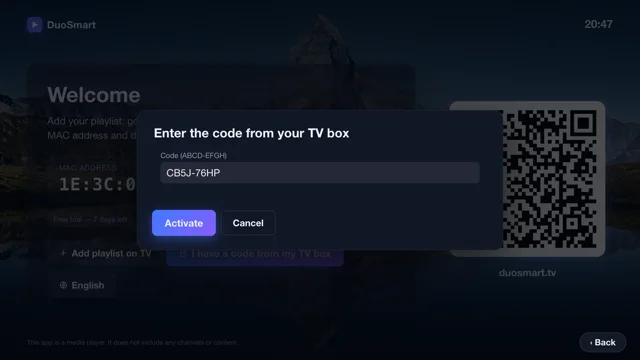
Every box comes with an activation code for one other device (worth €15). Enter it here — and if your box already has server details, we copy them over for you.
Move your licence
New TV, phone or tablet? Take your paid or free lifetime licence — and your playlists — with you.
Need help?
Questions about the app or a box? Mail us. For channels, logins or streams, please contact your own provider.
info@duosmart.tv